Smartphone Repair
✦
Tablet Repair
✦
Laptop Repair
✦
Unlock a Device
✦
Sale, Purchase, and Trade In
✦
Smartphone Repair
✦
Tablet Repair
✦
Laptop Repair
✦
Unlock a Device
✦
Sale, Purchase, and Trade In
✦

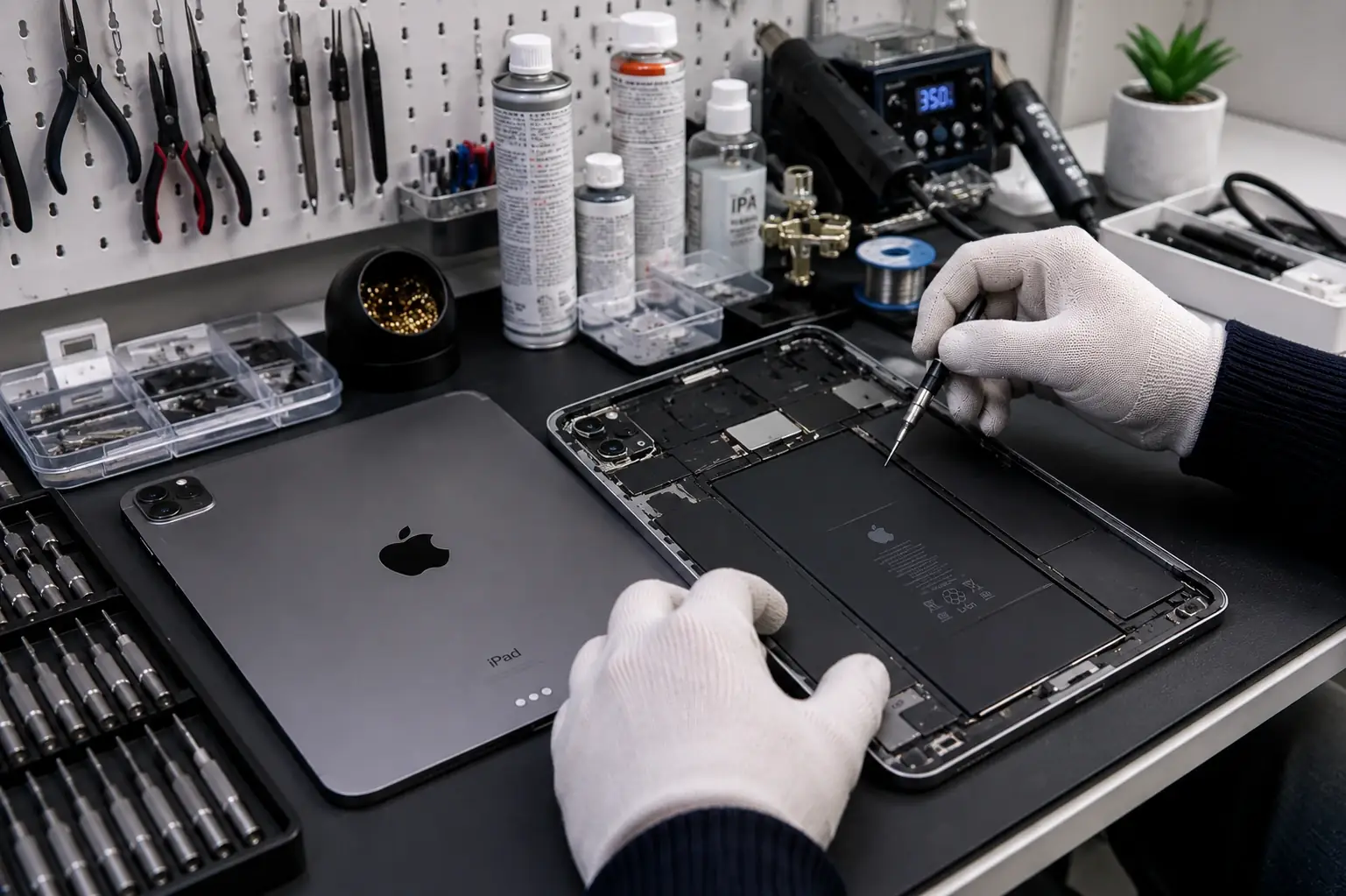
iPad Repair in Kansas City, MO

iPad repair in Kansas City for cracked screens, worn batteries and charging ports on iPad, iPad Air, iPad mini and iPad Pro, done at our store in the Ruskin Heights Shopping Center. Most iPad screen repairs are finished the same day when the part is in stock, and you get the price before any work starts.

What we fix

iPad Repair Services for Every Model

Pick the problem that matches yours. We repair every standard iPad generation, iPad Air, iPad mini and iPad Pro, with Lightning or USB-C ports. Every iPad repair starts with a diagnosis and a price before any work begins.

iPad, iPad Air, iPad mini and iPad Pro models we repair at Cell Depot in Kansas City

iPad Screen Replacement

Cracked glass, a black or flickering display, or touch that stops responding.

iPad Charging Port Repair

Charges only at an angle, charges slowly or not at all on Lightning or USB-C.

iPad Battery Replacement

Dies within hours, shuts off with charge left or the screen is lifting.

Speaker and Headphone Jack Repair

No sound, crackling audio or a headphone jack that stopped working.

Home Button and Touch ID

Home button stuck, unresponsive or no longer reading your fingerprint.

Camera and Button Repair

Blurry photos, a cracked lens, or power and volume buttons that don’t click.

Water Damage Repair

Liquid spill or a drop in water; power it off and bring it in fast.

Wi-Fi and Cellular Problems

No signal on cellular models, or Wi-Fi and Bluetooth that won’t connect.

Most iPad Screen Repairs Done the Same Day

Bring your iPad to 11130 Blue Ridge Blvd or call 816-888-3635 to check that we have the screen for your model. You get the price before any work starts.

iPad screen replacement

iPad Screen Replacement: Glass Only or Full Display?

The screen is the most common iPad repair we do. What you pay depends mostly on one thing: whether your iPad’s glass and display are separate or fused together. Tell us your model, or the model number on the back (it starts with A), and we will tell you which repair you need.

Standard iPad: glass can be replaced alone

Standard iPad models, through the 10th generation, have a non-laminated screen. The touch glass (digitizer) sits separately from the LCD, so if only the glass is cracked and the picture is fine, we replace just the glass. That is usually the lowest-cost iPad screen repair.

iPad Air, mini and Pro: full display assembly

iPad Air 2 and newer, iPad mini 4 and newer and every iPad Pro have a laminated screen, where the glass, touch layer and display are fused. A crack on these models means replacing the whole display assembly. It costs more, but you get a screen that looks and responds like the original.

Touch ID and the home button

On iPads with a home button, Touch ID is paired to the iPad’s logic board. During a screen repair we move your original home button to the new glass so Touch ID keeps working. A replacement home button will click, but it can’t read fingerprints.

Apple Pencil and Face ID

Apple Pencil works through the screen’s touch layer, so after every iPad screen replacement we test Pencil input, palm rejection and touch across the whole screen before you leave. On iPad Pro models with Face ID, the TrueDepth camera is separate from the display panel, so Face ID keeps working after a screen repair.

Battery and charging

iPad Battery Replacement and Charging Port Repair

If your iPad dies within a few hours, shuts off with charge left or takes all night to charge, the battery or the charging port is usually the cause. We test both before quoting, because a dirty port can look like a dead battery.

How long iPad batteries last

Apple designs iPad batteries to keep up to 80% of their original capacity after 1,000 full charge cycles, which is roughly three years of daily charging. Most iPads don’t show a battery health percentage in Settings, so we test the battery in the store.

Lightning or USB-C port problems

Older iPads use a Lightning port. iPad Pro (2018 and newer), iPad Air (4th generation and newer), iPad mini (6th generation and newer) and the 10th generation iPad use USB-C. Lint packed into the port is the most common reason a cable feels loose, so we clean it first and replace the port only if it is damaged.

Screen lifting? Check the battery

If the screen is separating from the frame or the case is bulging, the battery is likely swollen. Stop charging the iPad, don’t press on the screen and bring it in. A swollen lithium-ion battery can be a fire risk.

Before you come in

Before You Bring Your iPad In

Three quick steps make your iPad repair faster and keep your data safe.

Back up your iPad

Screen, battery and port repairs don’t erase your storage, but back up first in Settings > [your name] > iCloud > iCloud Backup, or to a computer. If the screen doesn’t respond, bring it in as it is.

Know your passcode and Apple ID

We need the passcode to test touch, cameras and charging after the repair. Keep your Apple ID password handy too, in case the iPad asks for it when it restarts.

Locked out of your iPad?

A repair doesn’t remove an Apple ID lock. If your iPad shows Activation Lock after a reset, see our activation lock removal service for verified owners. Want to sell or trade in an old iPad instead? See buy, sell and trade-in.

How it works

From broken to fixed in three steps

1

Tell us what's wrong

Call, WhatsApp, or fill out the quote form with your iPad model and the problem.

2

Free diagnosis & firm quote

We confirm the issue and give you an exact price before any work starts — no surprises.

3

Walk out same day

Most iPad screen and battery repairs are done the same day when the part is in stock, with a warranty on parts and labor.

Why Choose Us

Why iPad Owners Choose Cell Depot

Cell Depot is an independent cell phone repair and tablet repair shop with 12+ years of experience and a 4.4-star Google rating from 200+ reviews. Your iPad is repaired on site at our Blue Ridge Blvd store, not mailed away. For other tablets, see tablet repair and Samsung tablet repair.

12+ Years Fixing iPads

iPad, iPad Air, iPad mini and iPad Pro repairs at our store.

Warranty on Every Repair

Every repair is covered. The length depends on the repair and the part used.

Quality Parts

Ask which screen or battery your quote includes before you pay.

0
+
Years in Business
0
+
Happy Customers
0
+
Repairs Completed
0
%
Customer Satisfaction

iPad Repair Reviews From Local Customers

Real Google reviews from customers in Raytown, Grandview, Independence and nearby Missouri towns.

  • Great service and phone repair !

    Rose Price Avatar Rose Price

    Had spider cracks on my phone screen. I took it here, and was out in 20 minutes. Best price for a phone repair I’ve seen... read more

    Douglas Durgin Avatar Douglas Durgin

    Amazing people and top-tier service. S24 Ultra screen replacement, 30-day warranty, plus a screen protector included. They truly go above and beyond—thank you!

    John Avatar John
  • The Pakistani guys that run the shop are always helpful and their prices are good!

    Mia Avatar Mia

    Quick cell phone repair at a great price. No complaints. They are my go to phone repair. Give them a shot

    Gabriel Miller Avatar Gabriel Miller

    If you wanna fair price, the is the place I would go. The man working inside very respectful very nice.

    Hussnain Qasim Avatar Hussnain Qasim
  • Absolutely the Best..

    Gwen Bates Avatar Gwen Bates

    I must say omg when I say he a life saver, my daughter and I both broke our phones on separate occasions miles apart, I... read more

    Shaunte Mcelroy Avatar Shaunte Mcelroy

    Dude was extremely nice and got me a fantastic phone and privacy screen and case included. Very pleased with the quality and price of the... read more

    Rudolph Bledsoe Avatar Rudolph Bledsoe
  • I brought my iPhone here it wasn’t charging I got sand in it he fixed it in like one minute and didn’t even charge me... read more

    Roger Cimino Avatar Roger Cimino

    Best repair shop ever,fixed my phone fast!

    Andrew Bone Avatar Andrew Bone

    Kind of a hidden gem in an area needing more choices. Small, but helpful staff, & their prices usually beat other locations my company has... read more

    KCThinktank Avatar KCThinktank
  • Absolute 10/10 from the customer service to honourable service when it comes to repairs & Bill payment! Do not hesitate to use the CellDepot⭐️⭐️⭐️⭐️⭐️

    jasiah townsend Avatar jasiah townsend

    Very reasonable prices and great staff who, despite the store's closing time, said they would take care of it. The work done was excellent. I... read more

    Syed Haider Avatar Syed Haider

    Fast reliable dependable service you guys are great👍🏽👍🏽

    Kevin Laidlaw Avatar Kevin Laidlaw
  • Amazing and affordable service, got my samsung galaxy21 ultra screen replaced there in July and it is still working great ,they gets the job... read more

    alecia miller Avatar alecia miller

    Amazing service and very knowledgeable. I have been here to replace phone screens and batteries on my Samsung Galaxys 20+ & Samsung Galaxys 20 Ultra. If... read more

    Cory Perkins Avatar Cory Perkins

    Nice guy, went in for a quote.

    Stacey Ross Avatar Stacey Ross
Samsumg repair services FAQs
samsung repair by cell depot
FAQs

iPad Repair FAQs

It depends on the model. A glass-only repair on a standard iPad usually costs the least; a full display assembly for an iPad Air, iPad mini or iPad Pro costs more. Call 816-888-3635 with your model and we will give you an exact price before any work starts.

Most iPad screen repairs are done the same day when the part is in stock. Glass-only repairs on standard iPads need the adhesive to set, so we may ask you to pick the iPad up later that day. If a part has to be ordered, we tell you the timeline up front.

On standard iPads, yes: the glass (digitizer) is separate from the LCD. On iPad Air 2 and newer, iPad mini 4 and newer and every iPad Pro, the glass is fused to the display, so the whole display assembly is replaced.

Yes. We move your original home button to the new screen on every repair. Touch ID is paired to the iPad’s logic board, so a new home button can’t read fingerprints.

If the iPad still gets iPadOS updates and the repair costs well under the price of a replacement, repairing usually makes sense. If it doesn’t, we will tell you, and we can make you an offer through our trade-in service.

Screen, battery and charging port repairs don’t touch the storage, so apps, photos and files stay on the iPad. We still recommend an iCloud or computer backup first.

Yes. Every iPad repair includes a warranty on parts and labor. The length depends on the repair and the part used, and we explain it before you pay.

Book Your iPad Repair

Call 816-888-3635 or send us your iPad model and the problem, and we’ll give you a price before any work starts. Cracked iPhone too? See iPhone repair. Need a laptop fixed? See MacBook repair. Upgrading? You can sell your old iPad to us.